Upload an image
The experience opens with one obvious starting point — drop, upload, or paste an image URL — so analysis begins without explaining how the tool works.
Designing clarity for an inherently uncertain problem
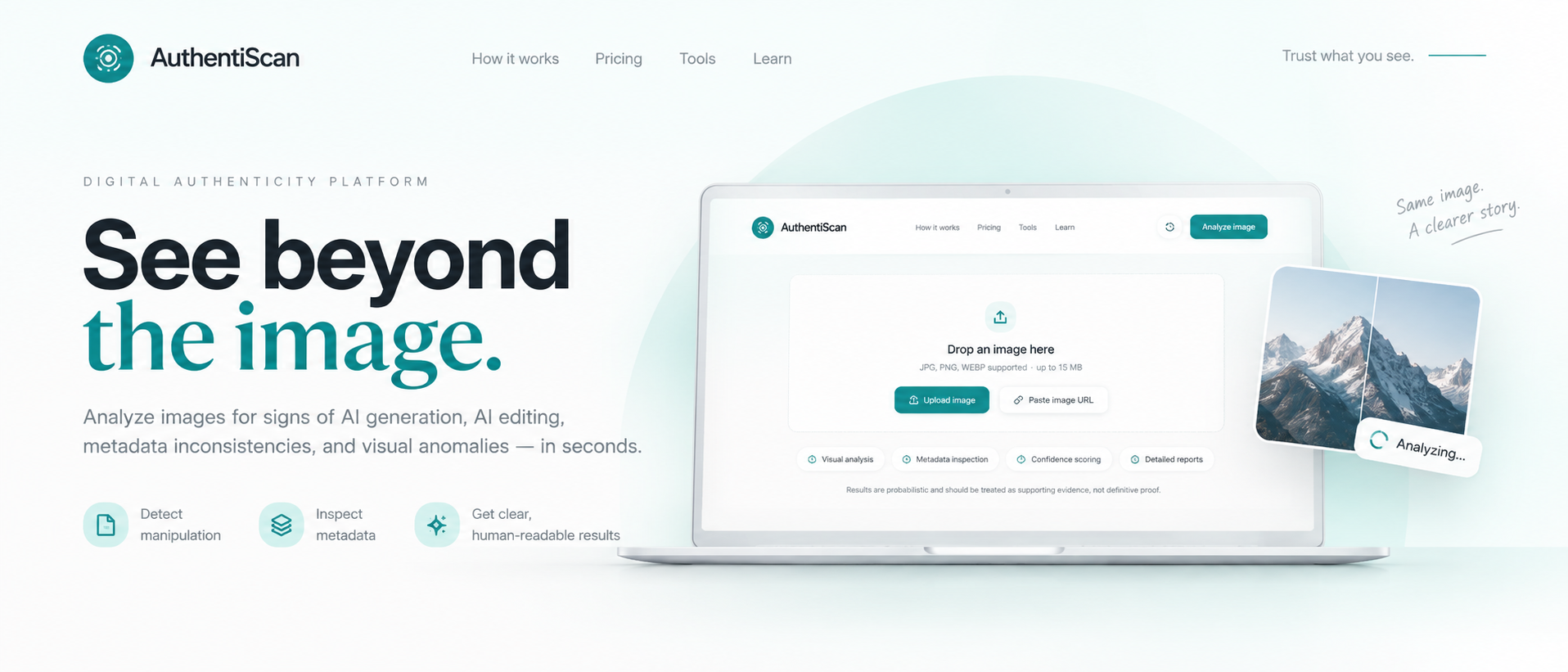
AuthentiScan is a concept for a digital image-authenticity platform designed to help users evaluate whether an image may be AI-generated or manipulated. I designed the experience around a simple challenge: presenting complex, probabilistic analysis in a way that feels understandable and trustworthy.
The challenge
AI detection isn't always definitive. Instead of designing an experience that presents a simple “real or fake” answer, I explored how an authenticity tool could communicate confidence, evidence, and limitations while remaining approachable for non-technical users.
The design problem wasn't just detection accuracy — it was how to present an inherently uncertain result without either overstating certainty or leaving users to interpret raw technical output on their own.
The challenge
How might an authenticity tool communicate confidence, evidence, and limitations — while remaining approachable for non-technical users?
That question shaped the workflow, the visual restraint, and the way results were framed.
A simple path to complex analysis
The primary workflow was intentionally reduced to three steps: upload an image, analyze multiple signals, and review an authenticity report. The interface surfaces visual analysis, metadata inspection, confidence scoring, and detailed reporting without requiring users to understand the technical systems behind them.
The experience opens with one obvious starting point — drop, upload, or paste an image URL — so analysis begins without explaining how the tool works.
Behind a single action, the platform inspects several independent signals — visual manipulation, metadata consistency, and visual anomalies — rather than relying on one detector.
Results return as a clear, human-readable report rather than raw scores, framing what was found alongside an explicit confidence level and its limitations.
Design highlight
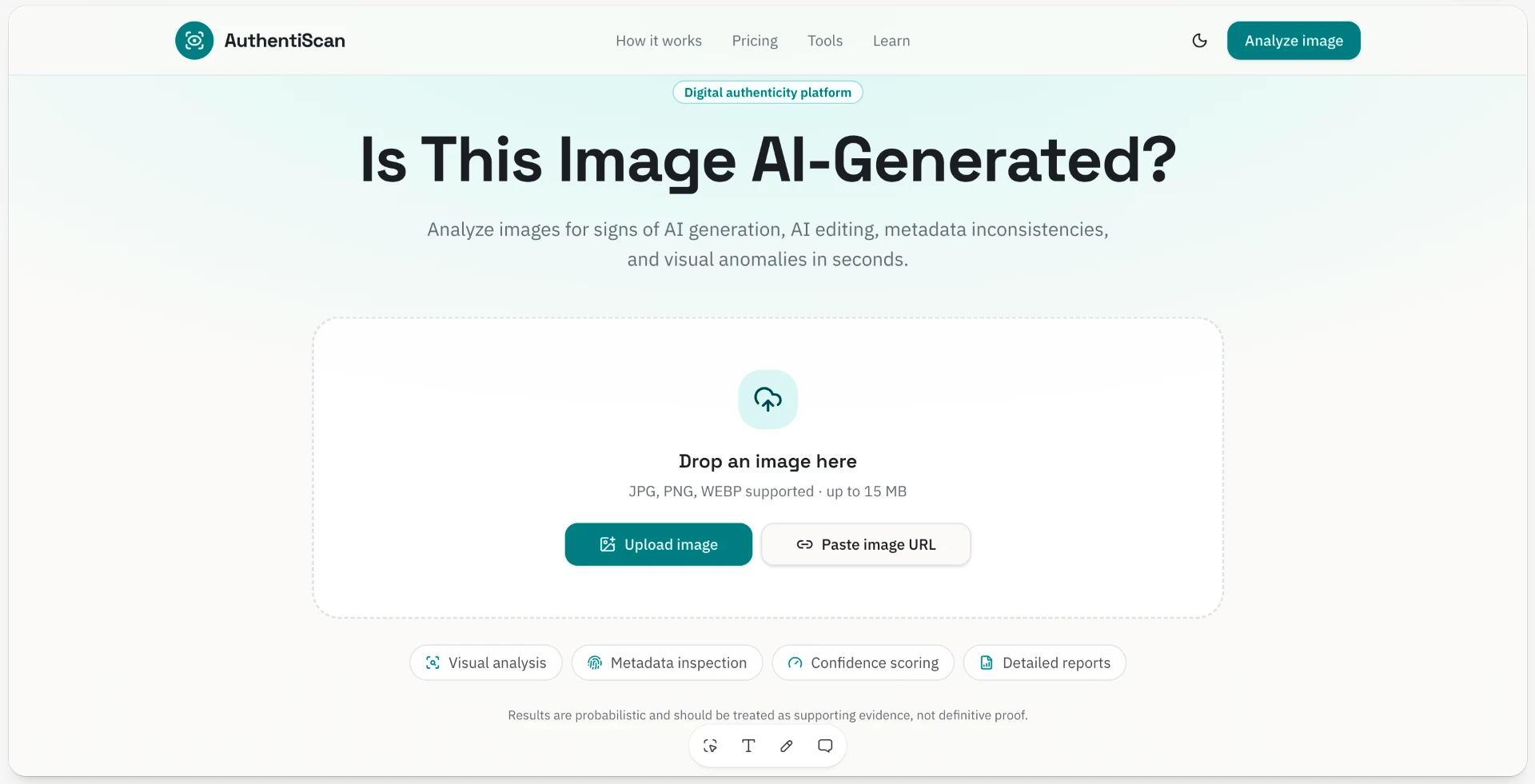
The upload experience establishes one obvious starting point while secondary analysis methods remain visible without competing for attention. The same surface previews the four capabilities — visual analysis, metadata inspection, confidence scoring, and detailed reports — so users understand the scope before they begin.
Designing for responsible results
Because authenticity analysis is probabilistic, the concept avoids presenting its output as absolute proof.
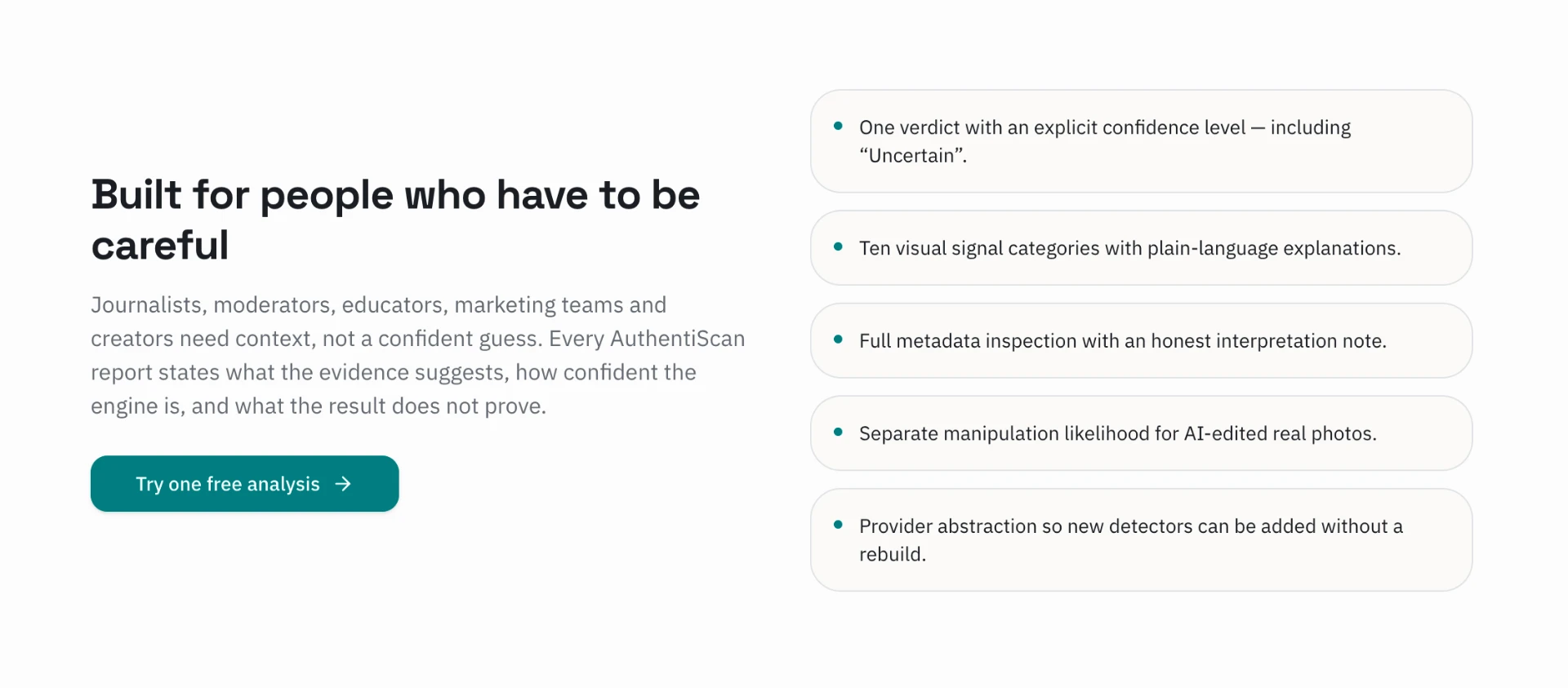
Results were designed around an explicit confidence level alongside supporting evidence and explanations of what the analysis can — and cannot — determine.
The visual system follows the same principle: minimal, calm, and intentionally restrained, allowing potentially complex information to feel easier to evaluate rather than overwhelming the user with technical detail.
Results lead with an overall assessment paired with a stated confidence level instead of an unqualified true or false.
Each conclusion is supported by the signals behind it, so users can see why the platform reached its assessment.
The report explains what the analysis can — and cannot — determine, acknowledging that detection is probabilistic.
Product surface
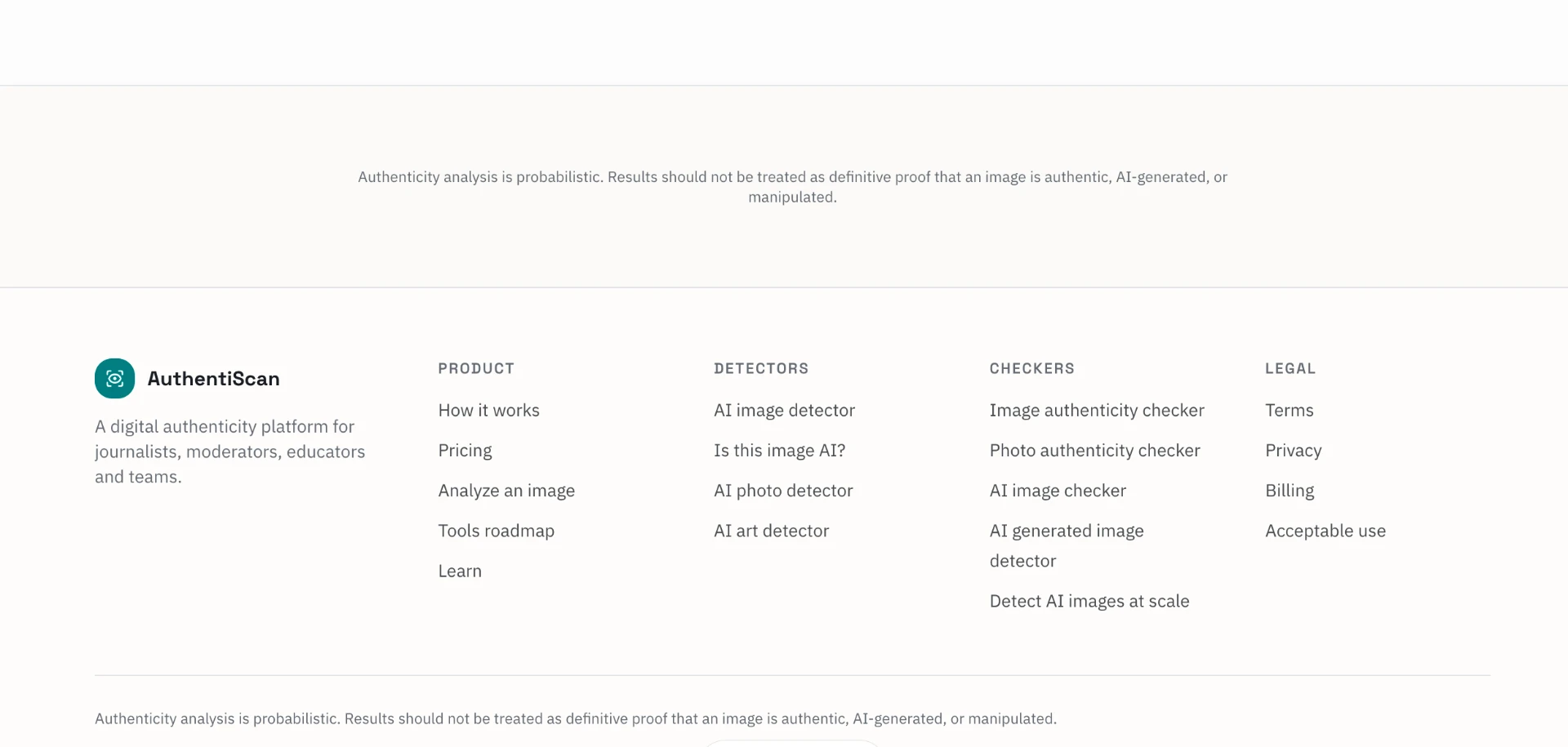
The platform's footer communicates its scope — product areas, detectors, checkers, and legal — giving non-technical users an honest overview of what AuthentiScan covers before they engage.
Outcome
AuthentiScan remained a design concept rather than a shipped product for now, but the project gave me an opportunity to explore trust-centered UX, information hierarchy, uncertainty communication, and designing an approachable interface around a technically complex product.
The most useful takeaway was learning to design around what a tool can confidently say — and just as importantly, what it can't. Communicating limits as a deliberate part of the experience, rather than hiding them, became the core of the concept.